Change PNG Opacity
Change PNG Opacity Online – Instantly Adjust PNG Transparency
If you’re looking for a simple way to change PNG opacity, you’re in the right place. Our online PNG opacity changer lets you adjust transparency levels of PNG images instantly—no Photoshop, no downloads, and no design skills required.
Whether you want to reduce PNG opacity, make a PNG transparent, or fine-tune image transparency for web, design, or social media, this tool gives you complete control in just a few clicks.
What Does “Change PNG Opacity” Mean?
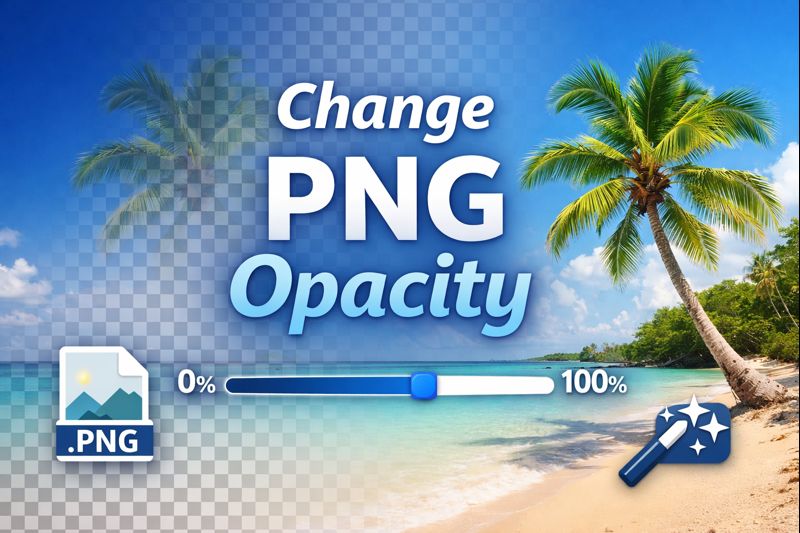
Changing PNG opacity means adjusting how transparent or solid a PNG image appears. Opacity is measured on a scale from 0% to 100%:
100% opacity → Fully visible (no transparency)
50% opacity → Semi-transparent
0% opacity → Fully transparent (invisible)
PNG files are ideal for transparency because they support alpha channels, unlike JPG images. That’s why designers, marketers, and developers frequently need tools to edit PNG opacity online.
Why You Might Need to Change PNG Opacity
There are many real-world use cases where adjusting PNG transparency is essential:
1. Web Design & UI
Reduce PNG opacity to create overlays, backgrounds, or subtle UI elements without distracting users.
2. Watermarks & Branding
Lower the opacity of a PNG logo or watermark so it doesn’t overpower the main content.
3. Social Media Graphics
Create eye-catching posts by layering semi-transparent PNGs over images or colors.
4. Presentations & Documents
Adjust PNG transparency to blend images smoothly into slides or reports.
5. E-commerce Product Images
Use transparent PNGs with controlled opacity to enhance product displays.
Change PNG Opacity Online – How It Works
Our online PNG opacity editor is designed to be fast, intuitive, and beginner-friendly.
Step-by-Step Process
Upload your PNG image
Drag and drop or select a PNG file from your device.Adjust the opacity slider
Move the slider to increase or decrease PNG transparency in real time.Preview instantly
See changes immediately before downloading.Download the edited PNG
Your image keeps its original quality with the new opacity level applied.
No account required. No hidden steps.
Key Features of Our PNG Opacity Changer
✔ Free Online Tool
Change PNG opacity completely free, with no sign-up.
✔ No Photoshop Needed
Skip complex software—adjust PNG transparency directly in your browser.
✔ High-Quality Output
No compression or quality loss after changing opacity.
✔ Fast & Secure
Files are processed quickly and automatically deleted for privacy.
✔ Works on All Devices
Use the tool on Windows, Mac, Android, or iOS.
Change PNG Opacity vs Make PNG Transparent
While related, these two actions aren’t exactly the same:
Change PNG opacity: Adjusts transparency partially (e.g., 30%, 60%)
Make PNG transparent: Removes opacity entirely (0%)
Our tool supports both, giving you full flexibility depending on your needs.
Who Can Use This Tool?
This PNG opacity editor is perfect for:
Graphic designers
Web developers
Social media managers
Content creators
Students & teachers
Business owners
You don’t need technical knowledge—just upload and adjust.
Benefits of Changing PNG Opacity Online
Save Time
No need to open heavy design software.
Improve Visual Appeal
Subtle transparency creates cleaner, more professional visuals.
Increase Productivity
Edit images faster and focus on creativity.
Browser-Based Convenience
Work from anywhere, anytime.
Why Choose Our Change PNG Opacity Tool?
There are many image tools online, but ours focuses on speed, simplicity, and precision. No clutter, no unnecessary features—just a reliable way to adjust PNG opacity exactly how you want.
Whether you’re editing a logo, creating a web overlay, or refining a design asset, this tool delivers professional results instantly.
Get Started Now
Upload your PNG image and change its opacity in seconds. Experience a faster, smarter way to edit PNG transparency—directly in your browser.
Try the Change PNG Opacity tool now and take full control of your image transparency.
Frequently Asked Questions
Yes. This tool lets you change PNG opacity online for free with no registration or watermark.
No. The image quality remains intact. Only the transparency level is adjusted.
Absolutely. You can set any opacity level between 1% and 100%, giving you full control.
Yes. The PNG opacity changer works smoothly on phones, tablets, and desktops.
Yes. Uploaded files are processed securely and automatically deleted after editing.
For opacity changes, yes. This tool is a fast alternative to Photoshop for adjusting PNG transparency.
Yes, the tool supports most standard PNG file sizes used for web and design purposes.
Currently, the tool processes one PNG at a time to ensure accuracy and quality.